×
We usually respond within 24 hours 🚀
🔒 Your information is safe and encrypted
Building modern digital solutions 🚀
🌍 Remote services worldwide
Thank you for contacting us. We’ll get back to you within 24 hours 🚀
KeyStation is a powerful Windows keyboard management tool that helps users customize, control, and optimize their keyboard experience with ease. It supports key remapping, key swapping, faulty key detection, key blocking, custom key sounds, application shortcuts, and a virtual keyboard interface. Lightweight, responsive, and user-friendly, KeyStation enhances productivity, accessibility, and keyboard usability on Windows 10 and Windows 11.
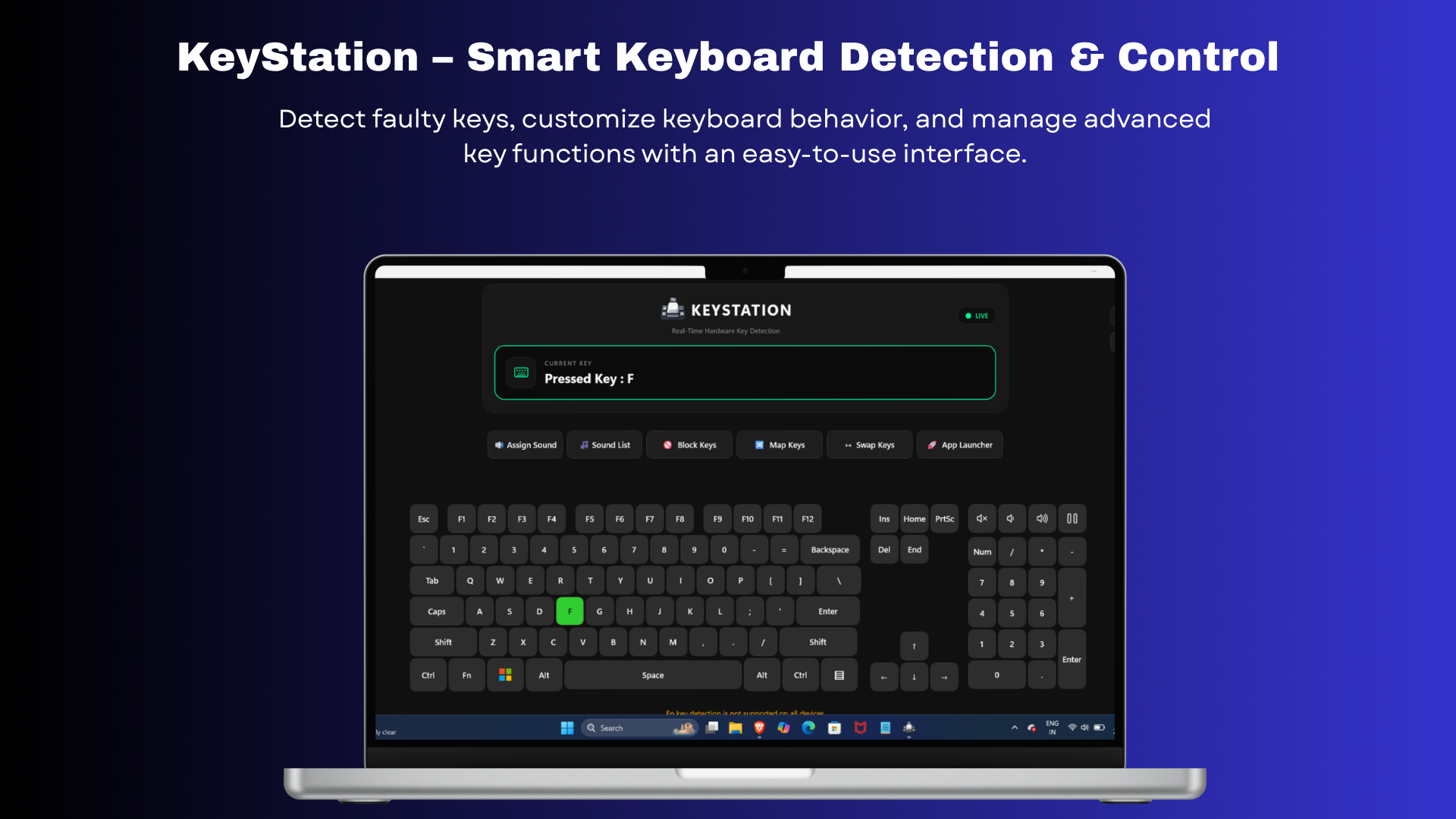
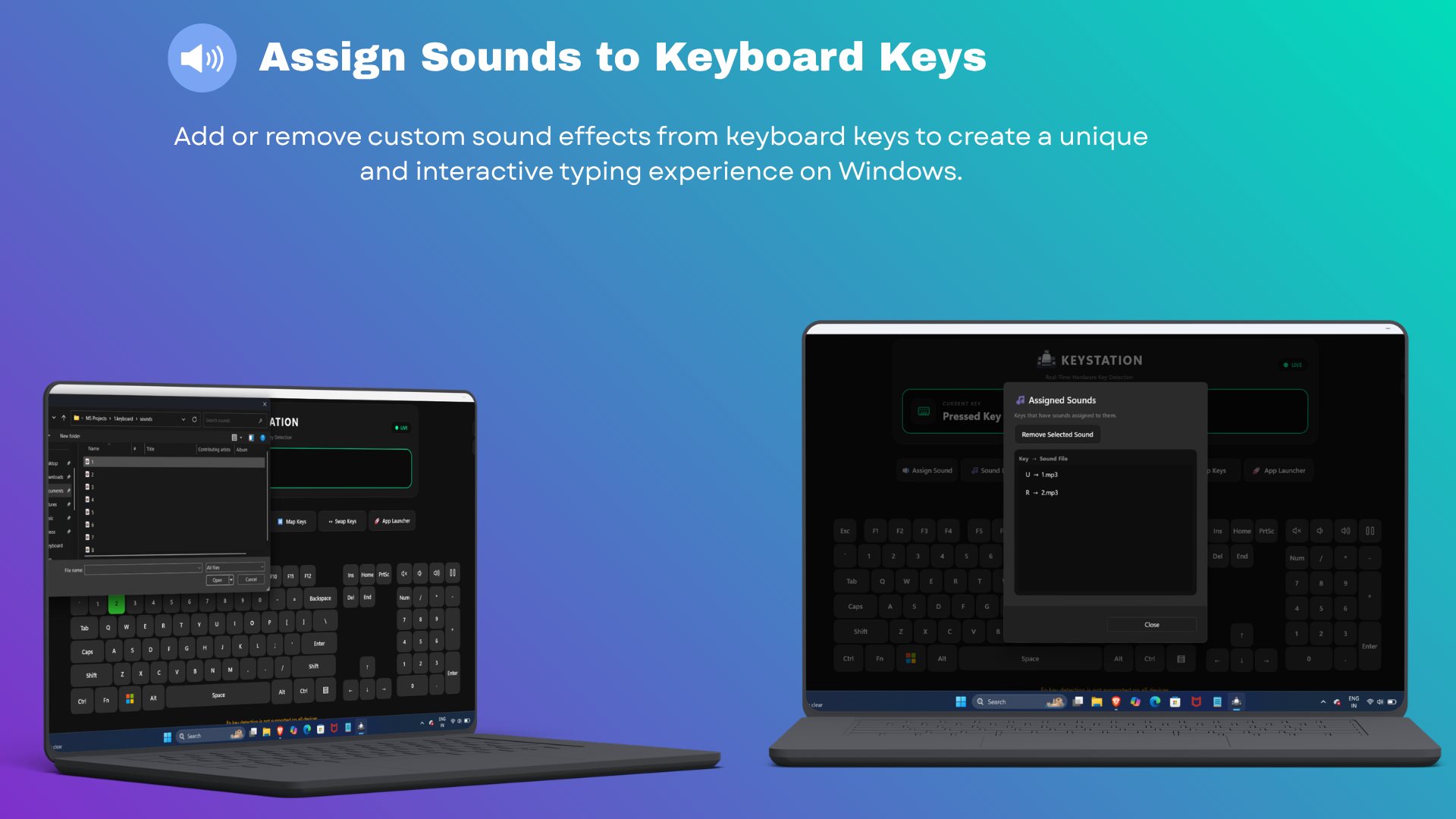
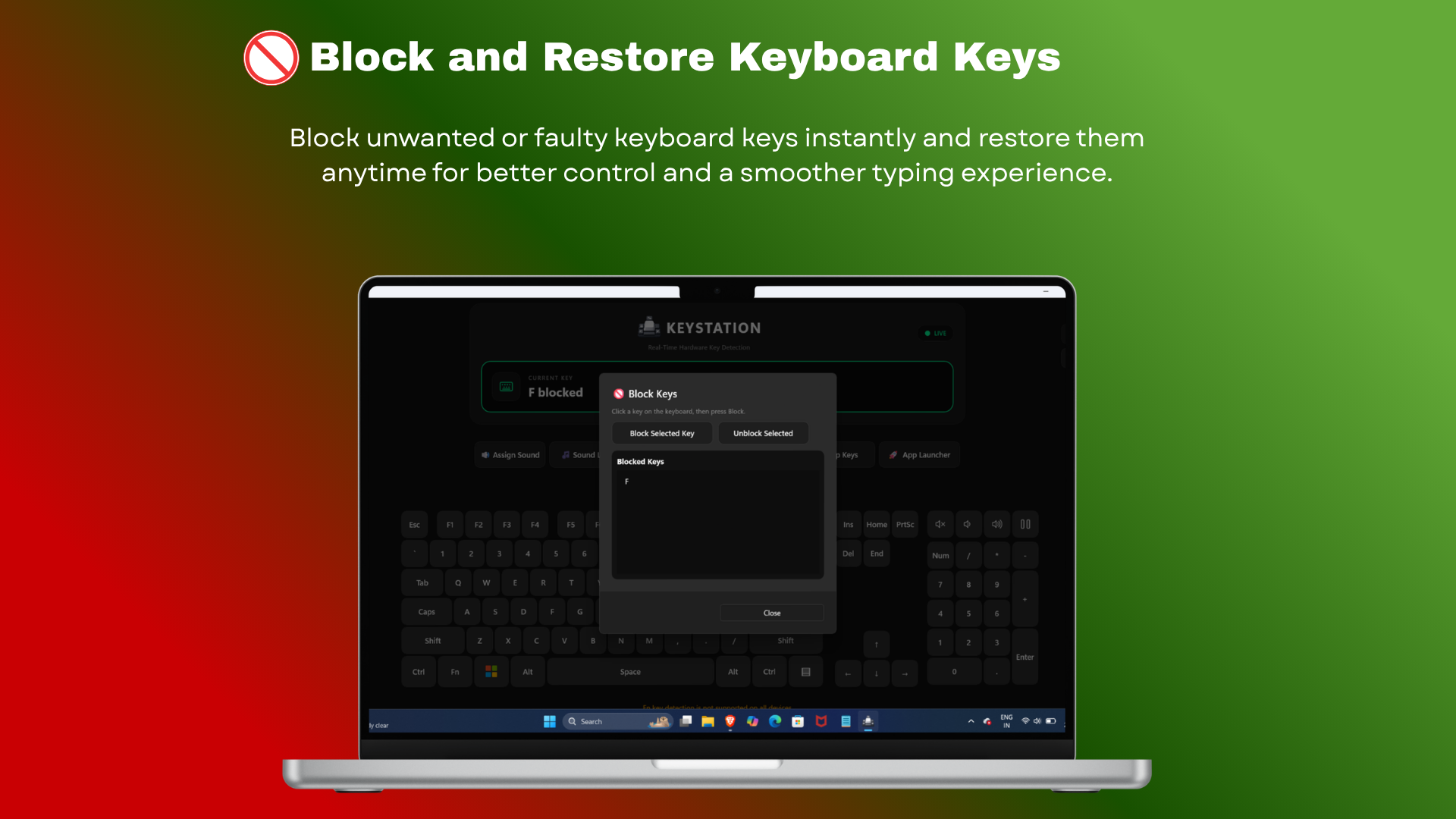
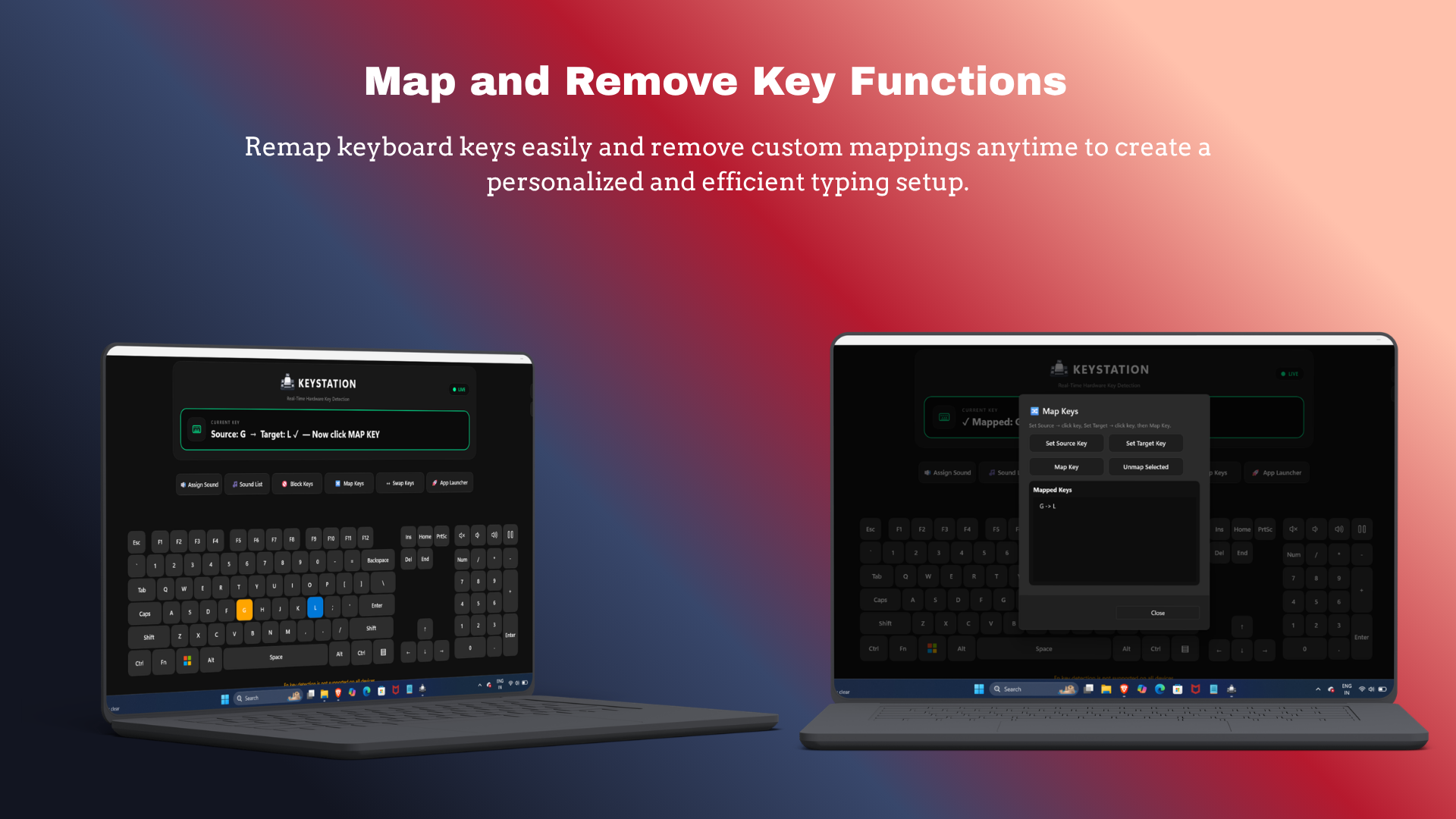
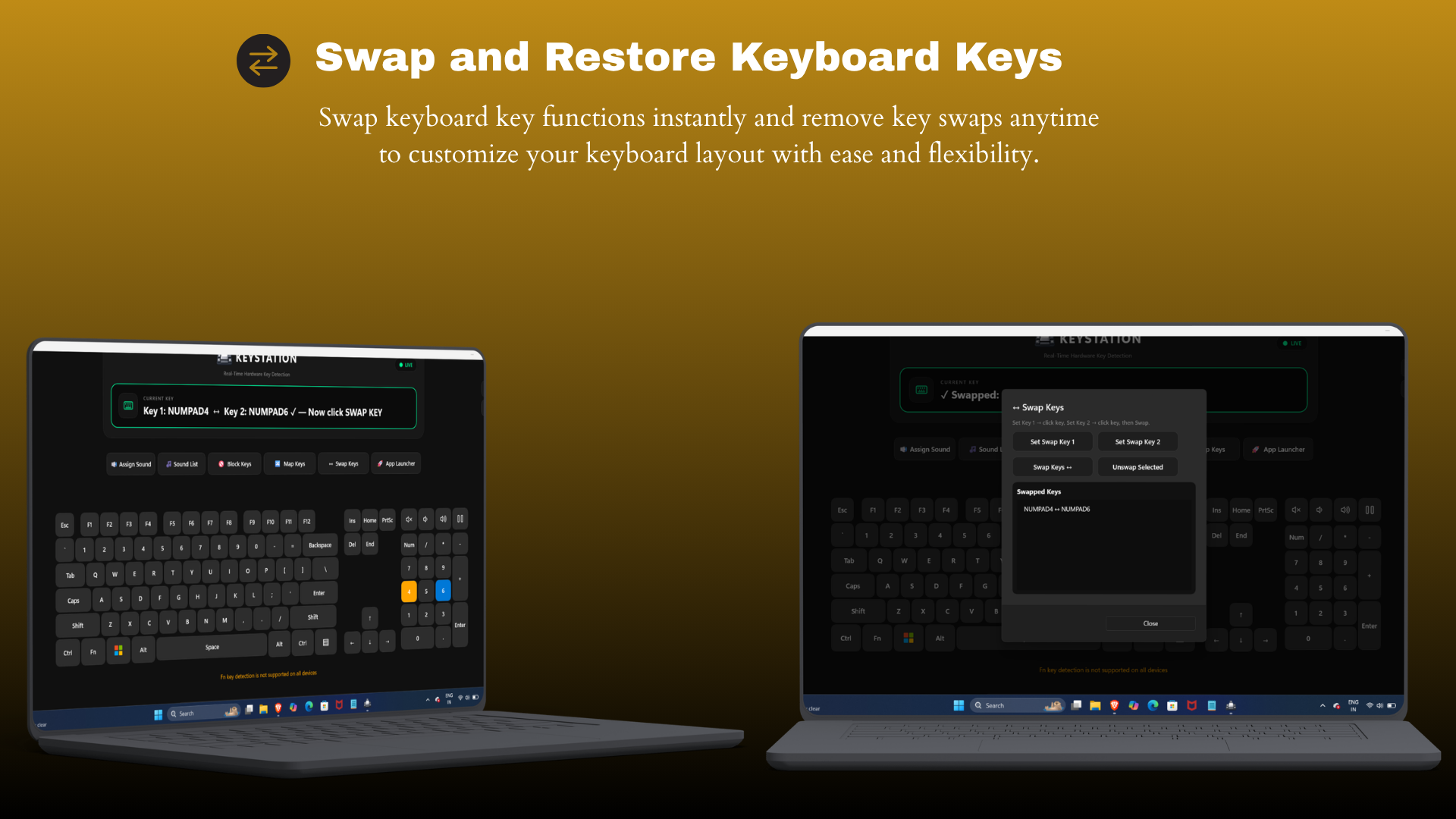
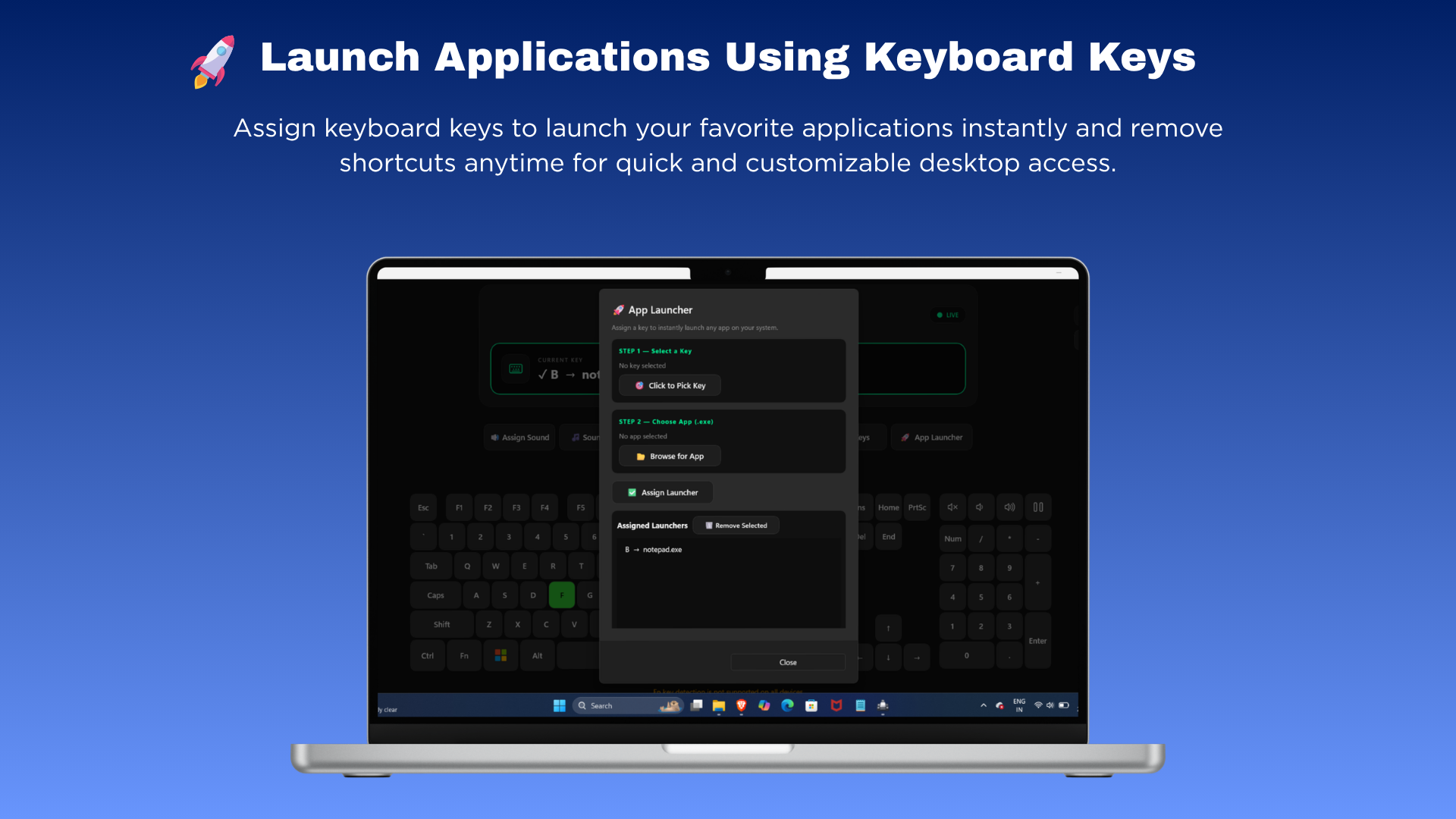
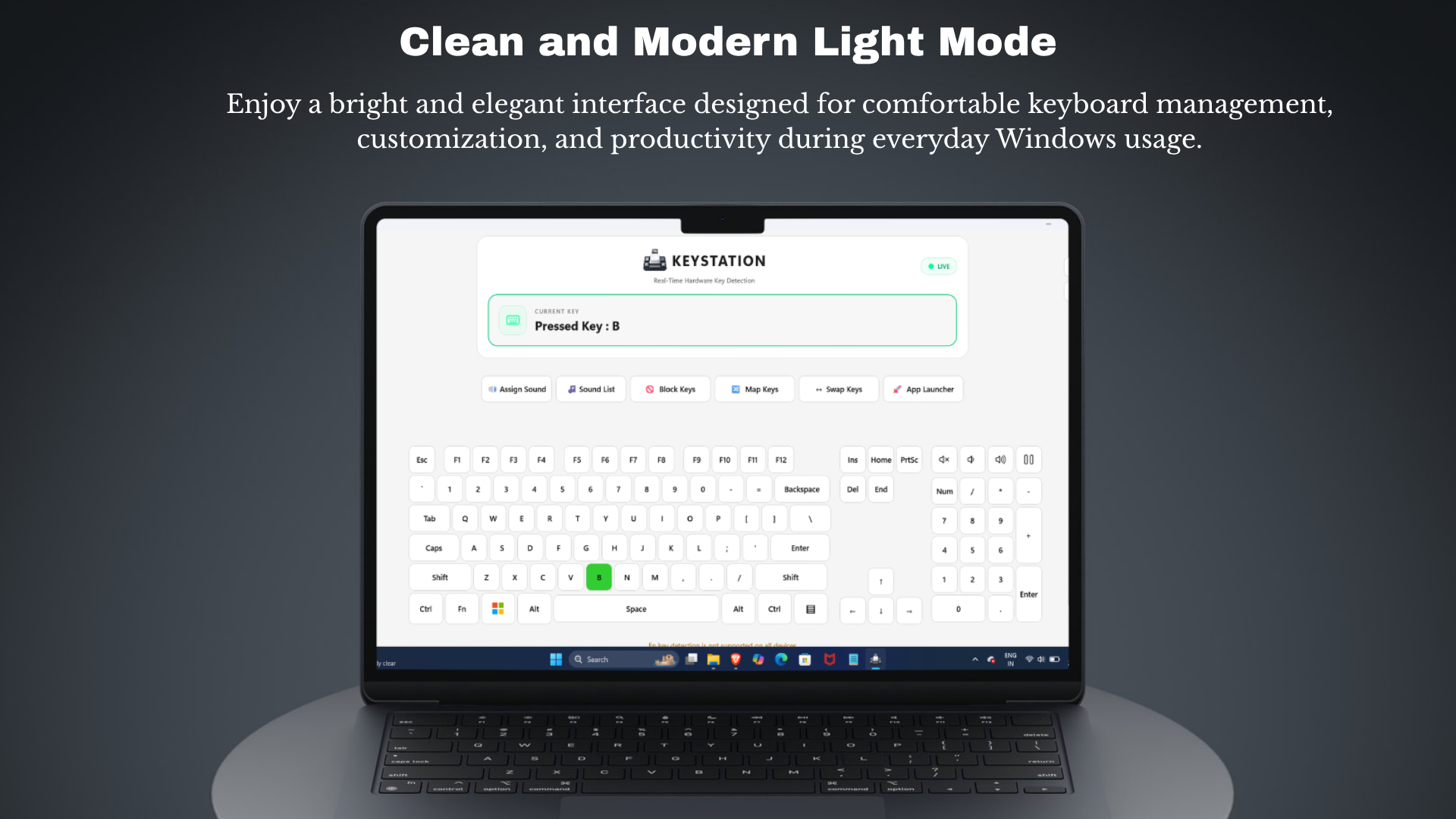
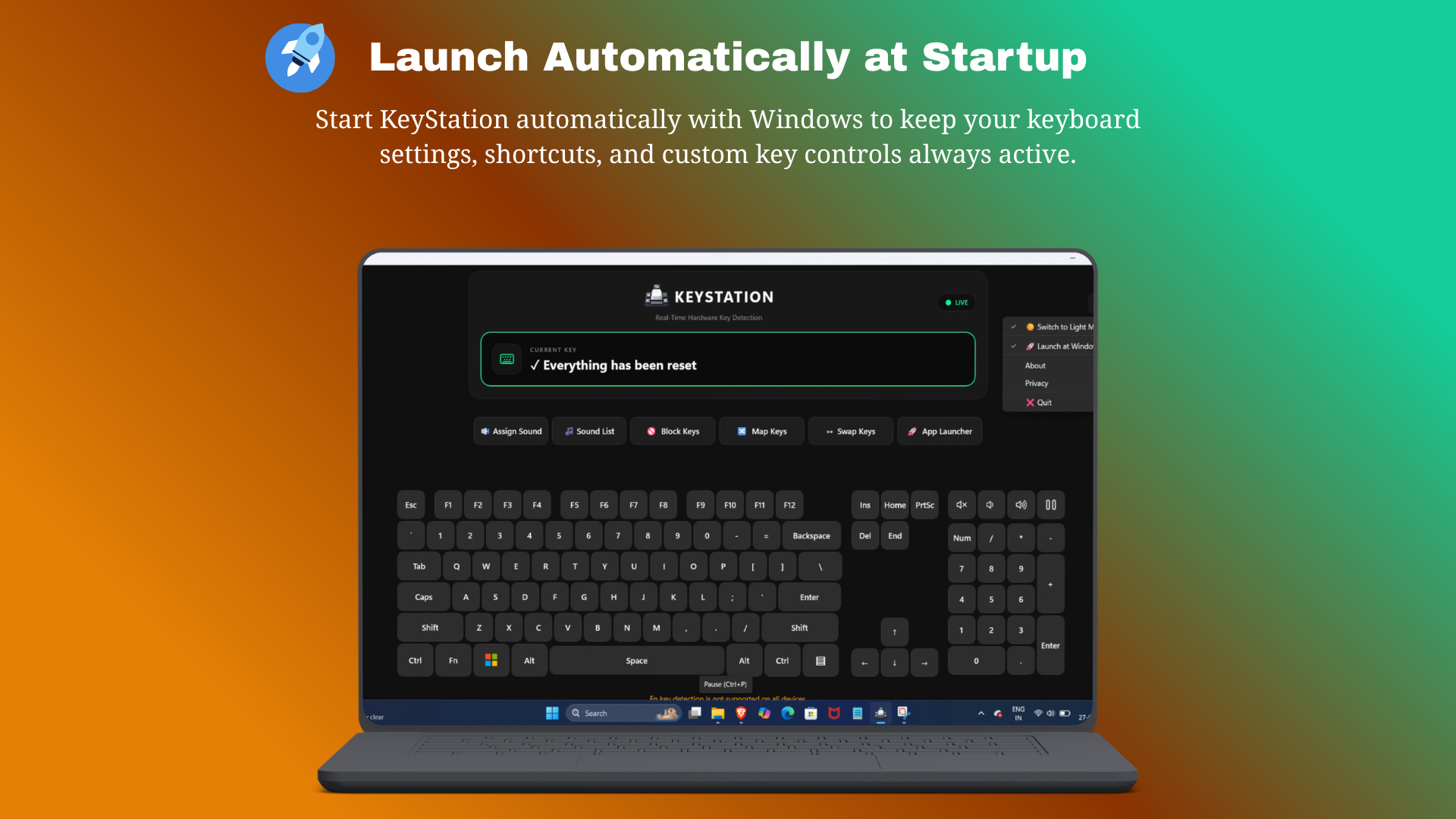

See how KeyStation helps you customize, manage, and optimize your keyboard experience with powerful keyboard control tools and an intuitive interface.
KeyStation is a powerful Windows keyboard management application designed to give users complete control over their keyboard experience. It provides advanced customization tools that allow users to remap keys, swap key functions, detect faulty keys, block unwanted keys, and create custom keyboard shortcuts. With its intuitive virtual keyboard interface and lightweight design, KeyStation makes keyboard management simple, efficient, and accessible for both casual and professional users.
KeyStation helps users overcome common keyboard issues such as broken or unresponsive keys, inconvenient key layouts, accidental key presses, and limited keyboard customization options. It provides a simple solution for improving keyboard functionality and productivity without requiring advanced technical knowledge.
KeyStation is ideal for Windows users, gamers, office professionals, developers, students, and anyone who wants greater control, customization, and efficiency from their keyboard.
Message
TicTacAI offers classic Tic Tac Toe gameplay with smart AI, local two-player mode, offline play, intuitive controls, and family-friendly entertainment for everyone.
View
Colorix instantly extracts colors from websites and images, generates palettes and gradients, and streamlines creative design workflows.
View
GenQR combines advanced QR generation, real-time scanning, customization, and sharing features into one lightweight Chrome extension.
View